

©2025 Dennis Family Corporation Pty Ltd
DFC360° for Victorian Build Partners
DFC360° gives Build Partners in Victoria a clearer and more consistent way to work with Dennis Family Corporation across Design Applications, House and Land packages, project information and queries.
Instead of relying on email-based processes, DFC360° brings key tasks into one online portal so you can submit information, track progress and manage actions in one place.
Are you a Lot Owner? Visit the DFC360° Lot Owner page.
Welcome to DFC360°
Watch this short introduction to DFC360° and how it supports Build Partners working with Dennis Family Corporation.
What would you like to do?
Select the task you need to complete. All actions begin from the DFC360° portal, where you can log in, register for access and manage your work.
Register for DFC360°
New to DFC360°? Start here to register or access the portal for the first time.
Add a House and Land package
Upload and manage House and Land package information through DFC360°.
Submit a Design Application
Submit and manage Design Applications, including responses to requests for further information.
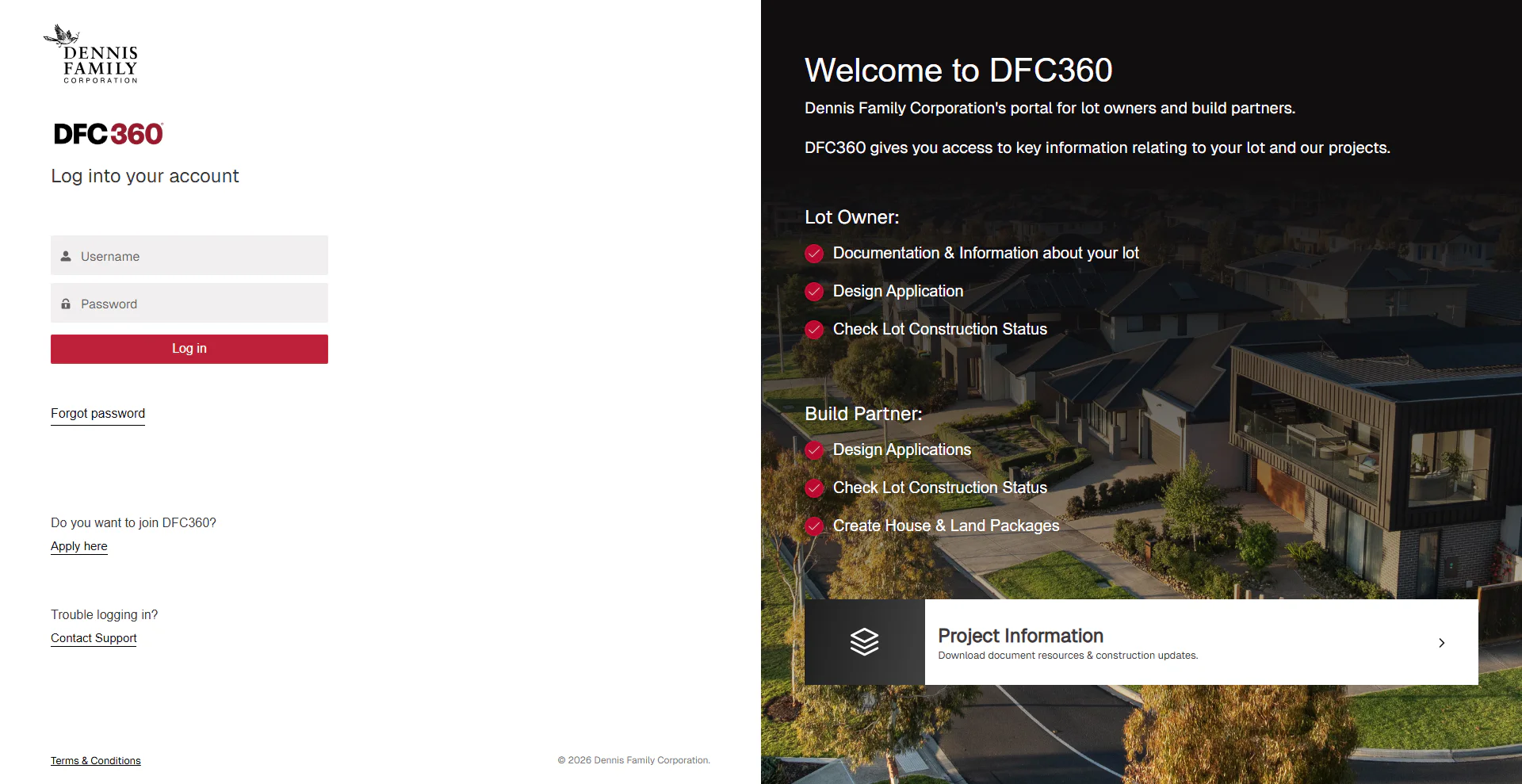
Register or log in to DFC360° for lot and project information, submitting house and land packages, design approvals and more.
Frequently asked questions
How do I register for DFC360°?
Go to the DFC360° portal and follow the prompts to register or log in. If you are unable to register or access your account, use the technical support link below.
What files do I need to upload for a House and Land package?
You will need to upload a facade image, floor plan image, package image and full House and Land flyer PDF.
What image size is required for House and Land package uploads?
Images must be clear and under 1MB. Images that are too large may not be accepted, while images that are too small may appear blurry.
Can I save a House and Land package as a draft?
Yes. You can save a draft and return to it later. However, it is recommended that you prepare all required files and upload them in one session where possible.
What documents do I need for a Design Application?
To begin a Design Application, you will need working drawings in one PDF, including the site plan, floor plan, elevations, sections and window and door schedule. You will also need an external colour schedule and, if available, a render image of the facade.
Can I email Design Application submissions?
No. DFC360° is the designated submission platform for Design Applications.
How quickly will Design Applications be processed?
The Design Panel will endeavour to approve plans in the shortest possible time, generally within ten business days if all relevant documents are included in the application.
Having trouble logging in?
Technical support is available for users who cannot access DFC360° or are having trouble logging in.
For questions about a submission, package or project information, please log in and use the query function inside the portal.